Organizations are facing more compliance pressure than ever before. Increasing regulatory complexity, limited internal resources and expanding security expectations have made it significantly harder for businesses to stay ahead of regulatory reviews and avoid costly missteps. Compliance documentation and evidence management have also become more demanding, requiring businesses to maintain clear, traceable, and audit-ready records across policies, procedures, training logs, and controls. Without a structured system, these efforts can overwhelm teams, especially during assessments or regulatory updates.
This is where compliance management tools come into play. As the risks and costs of non?compliance continue to rise, selecting the right solution becomes a strategic necessity for modern businesses.
What is a Compliance Management Tool?
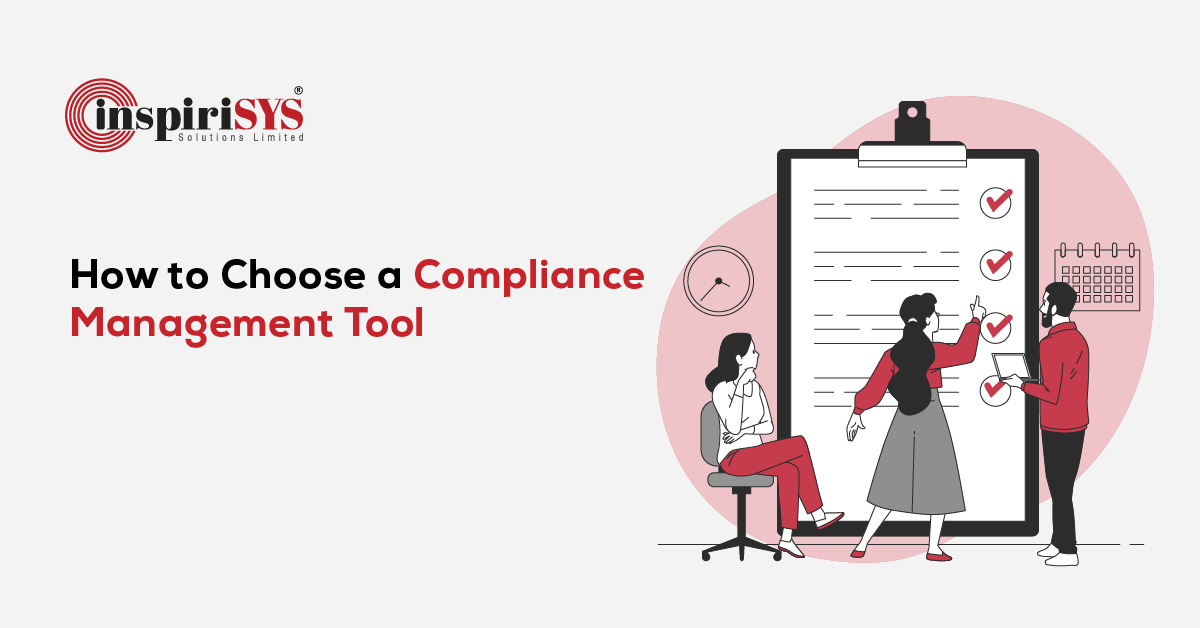
A compliance management tool is a centralized platform that helps organizations manage regulatory requirements, policies, and compliance-related processes in a structured and consistent manner. It brings together documentation, controls, and workflows into a single system, enabling teams to maintain visibility and accountability across compliance activities.
By replacing fragmented methods such as spreadsheets and email trails, these tools create a more organized approach to managing compliance obligations and maintaining accurate, up-to-date records.
Essential Features in a Compliance Management Tool
Selecting the right compliance management tool requires a deep understanding of the features that make a difference in maintaining audit readiness, reducing risk, and improving operational efficiency. Below are the essential capabilities your organization should prioritize.
Centralized Document and Policy Management
A strong compliance platform brings all policies and documentation into one structured system, making it easier to manage, update, and access information when needed. This improves consistency across teams and removes the friction of searching through scattered records.
With built-in controls that track changes and manage access, organizations can maintain accuracy and traceability, supporting reliable reporting and stronger governance.
Automated Evidence Collection and Audit Preparation
Compliance management tools simplify how evidence is collected, maintained, and organized, ensuring records stay current and readily available for review. By reducing manual effort, teams can respond faster to regulatory requirements without last-minute pressure.
Automation also streamlines routine activities, helping teams stay on track and maintain consistency across compliance processes.
Real-Time Compliance Monitoring and Reporting Dashboards
Effective tools provide continuous visibility into an organization's compliance status, helping teams understand where they stand at any given moment. With clear, intuitive dashboards, stakeholders can track progress, identify gaps, and make informed decisions without relying on fragmented updates.
This real-time insight enables teams to act early, maintain alignment with regulatory requirements, and strengthen overall governance.
Risk Assessment, and Mitigation Features
Modern platforms include built-in modules to assess risks, understand their potential impact, and guide teams on the actions required to address them. They help organizations identify vulnerabilities, prioritize mitigation steps, and stay aligned with governance frameworks. Tools that integrate vendor risk data also help address third-party and operational risks more effectively.
They also support ongoing risk evaluation by capturing changes in the environment, ensuring that emerging risks are identified early and addressed in a timely manner.
Workflow Automation and Task Management
Automation transforms repetitive tasks such as control testing, notifications, report generation and regulatory reminders into streamlined digital workflows. This reduces human error, boosts operational efficiency and ensures deadlines are consistently met. Features like automated calendars, drag?and?drop workflow builders and configurable task assignments eliminate bottlenecks and keep compliance processes running smoothly.
Benefits of Compliance Management Tools
The value of a compliance management tool lies in how easily teams can use it and how well it adapts as requirements evolve. A platform that is intuitive and scalable helps organizations reduce friction, improve adoption, and sustain compliance efforts over time.
The following benefits highlight why usability and scalability are critical:
Faster Adoption and Reduced Training Effort
An intuitive interface makes it easier for teams to understand compliance status, navigate tasks, and interpret risks without confusion. This reduces the time spent on training and onboarding, enabling teams to become productive faster and take well-grounded actions with confidence.
Continuous Access and Faster Response Times
With the ability to access compliance data remotely, teams can stay connected to ongoing activities regardless of location. This ensures timely action, quicker responses to regulatory requirements, and uninterrupted oversight across distributed operations.
Improved Accountability and Controlled Access
When access is aligned with user roles, organizations gain better control over who can view or act on specific information. This strengthens accountability, reduces the risk of unauthorized actions, and supports consistent governance across teams.
Seamless Scaling with Growing Compliance Demands
As regulatory requirements expand, a scalable platform allows organizations to handle increased complexity without disrupting existing processes. This ensures continuity, reduces operational strain, and supports long-term compliance without frequent system changes.
Budgeting and ROI Considerations for Compliance Management Tools
Selecting a compliance management tool is as much a financial decision as it is an operational one. Organizations need to assess both the initial investment and the long?term value the platform can deliver. With compliance becoming increasingly complex and costly, understanding pricing models, hidden expenses and expected Return on Investment (ROI) has never been more critical.
Here are some financial factors that help organizations plan budget effectively and measure overall impact.
Pricing Models
Compliance management tools typically follow subscription-based or one?time licensing models. Subscription pricing is more common today, as it allows organizations to scale usage and manage costs more predictably.
Hidden Costs
Beyond the base price, organizations should account for additional costs that arise during implementation and ongoing use. These may include system integrations, training, data migration, customization and support. Without careful planning, these factors can significantly increase the overall cost of ownership.
Calculating ROI from Automation and Efficiency Gains
A well-chosen compliance management tool delivers ROI through reduced manual effort enhanced operational efficiency and a lower risk of non-compliance. Organizations that adopt more proactive compliance approaches often see tangible benefits, including reduced operational overhead and fewer regulatory penalties, making the investment both practical and financially justified.
How to Choose the Right Compliance Management Tool
Selecting the right compliance management tool requires a clear understanding of your organization's needs and priorities. The following steps help guide a more informed and practical decision.
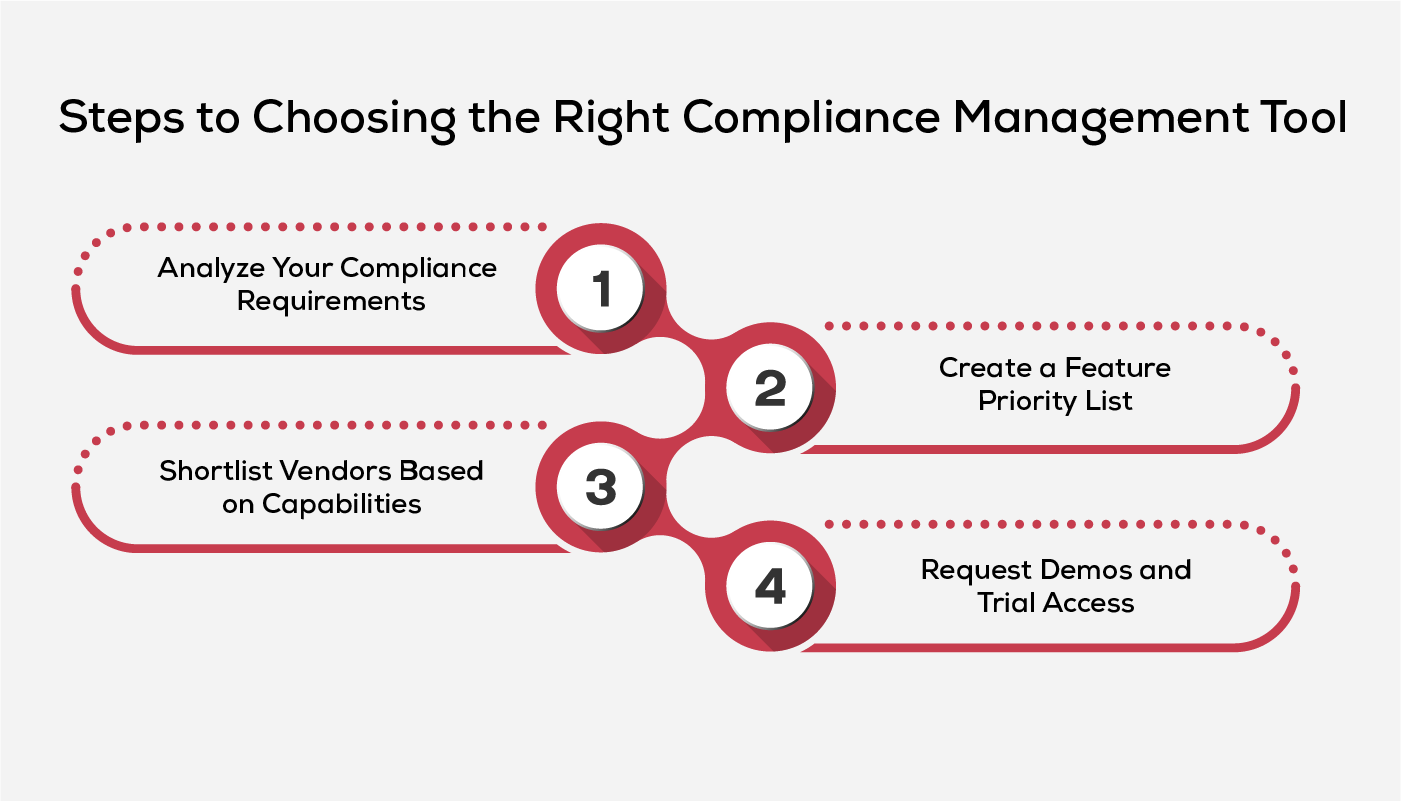
- Analyze Your Compliance Requirements
Organizations should begin by clearly defining their compliance landscape, including applicable regulations, business units, and key risk areas. This helps ensure the selected tool aligns with specific obligations and operational needs, rather than leaving critical gaps.
- Create a Feature Priority List
Once requirements are clear, organizations should translate them into a prioritized list of features. These include regulatory mapping, automated workflows, evidence collection, dashboard visibility, integration depth, and scalability. Industry guidance emphasizes evaluating compliance tools based on practical, real?world differentiators, with features align to operational needs.
- Shortlist Vendors Based on Capabilities
With a feature list in hand, the next step is to shortlist vendors whose capabilities match your technical and regulatory requirements. Effective shortlisting involves reviewing each vendor's credibility, certifications, performance history and evidence of delivering reliable compliance functions under pressure. Vendor assessments covering security, ESG, and financial stability help determine whether the selected tool is resilient enough to meet regulatory scrutiny and support long-term growth.
- Request Demos and Trial Access
After narrowing your list, organizations must engage directly with vendors through demos and trial environments. This hands?on evaluation allows them to test real workflows, explore UI/UX, validate integration capabilities, and assess how well the tool handles your specific compliance scenarios. Some vendors may not publicly advertise pricing or trial details, offering access only on request, making demos an essential step for understanding true functionality, limitations and user experience before committing to a platform.
Mistakes to Avoid When Selecting a Compliance Tool
Many organizations fall into predictable pitfalls during the evaluation process. Avoiding these mistakes allows organizations to choose a platform that supports both present compliance workflows and future regulatory demands.
- Choosing a Tool without Scalable Features
Selecting a tool that only fits current needs can create challenges as regulatory demands and operations expand. Without the ability to scale, organizations may face fragmented data, increased manual effort, and higher compliance risk.
- Overlooking Integration Requirements
Ignoring integration capabilities can lead to disconnected systems and duplicated effort. When tools do not align with existing platforms, teams often rely on manual workarounds, increasing complexity and operational cost.
- Neglecting User Experience and Adoption Factors
A tool that is difficult to use can limit adoption and disrupt compliance activities. When usability is overlooked, teams struggle to stay aligned, leading to missed tasks and inconsistent execution.
How Komply360 Delivers on Compliance Efficiency
Komply360 simplifies compliance management by bringing clarity and consistency to day-to-day operations. Its intuitive interface enables teams to understand compliance status, track responsibilities, and take action with minimal effort, reducing dependency on extensive training and manual coordination.
With continuous access to compliance data, teams can stay aligned with regulatory requirements regardless of location. This supports timely responses, better visibility into ongoing activities, and more informed decision-making across the organization.
The platform also strengthens accountability by clearly defining ownership and tracking progress across teams. This ensures that compliance activities are carried out systematically, with greater control and fewer gaps in execution.
As regulatory demands evolve, Komply360 scales to support increased complexity, additional users, and multiple frameworks without disrupting existing processes. This allows organizations to maintain continuity while adapting to changing compliance requirements.
Frequently Asked Questions
1. What is the difference between compliance and governance?
Governance refers to the overall framework of policies, decision?making structures, and accountability within an organization. Compliance focuses specifically on meeting legal, regulatory, and industry requirements. Governance sets the direction; compliance ensures rules are followed.
2. Is compliance only relevant for large enterprises?
No. Startups, SMEs, and even early?stage companies often need to meet security and regulatory requirements—especially if they handle customer data or operate in regulated sectors. Many partners, customers, and investors expect documented compliance practices regardless of company size.
3. How often should companies review their security policies?
A general best practice is to review policies at least once a year or whenever there are major business, technology, or regulatory changes. Regular reviews keep policies relevant as the organization grows.
4. Who is responsible for compliance within an organization?
Responsibility varies depending on company size. Larger companies may have dedicated compliance or risk teams, while smaller organizations assign these responsibilities to IT, security, or operations leaders. Ultimately, compliance is a shared responsibility across teams.
5. Can compliance tools integrate with existing IT systems?
Most modern compliance and GRC tools support integrations with cloud platforms, HR systems, identity providers, ticketing tools, and security products. Integrations help streamline workflows and reduce manual work.