
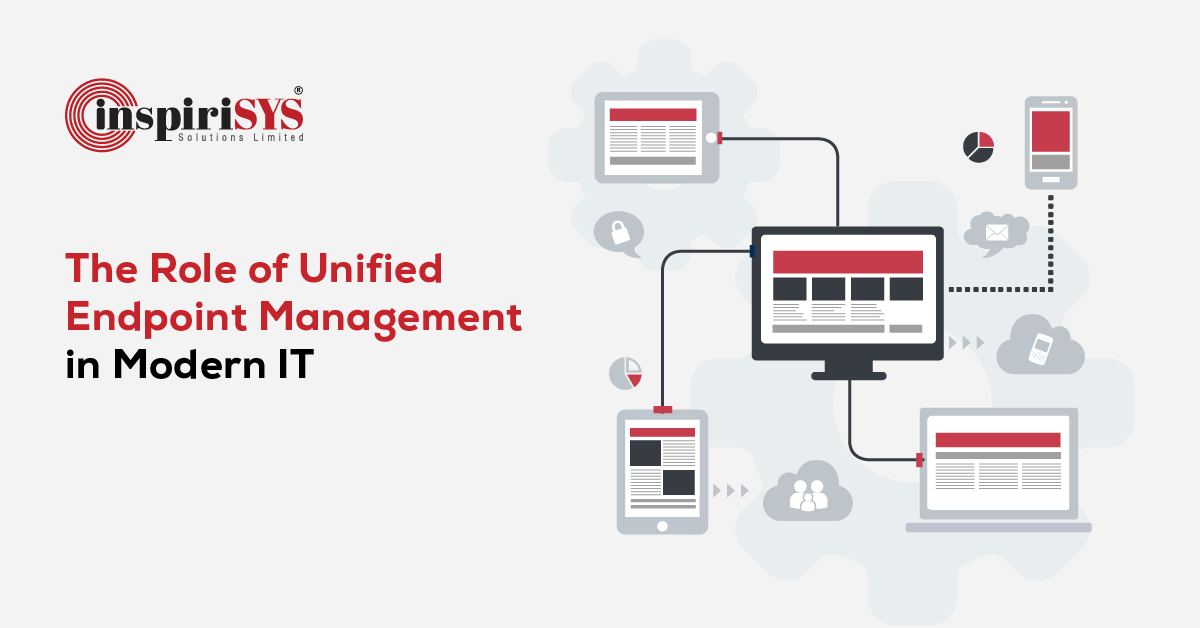
Unified Endpoint Management is increasingly part of enterprise IT discussions as organizations manage a growing mix of corporate and personal devices across multiple work environments. Employees access business applications from multiple connected endpoints, often using more than one device over the course of a workday. These devices operate on different platforms, connect through various networks, and are distributed across offices, homes, customer locations, and remote sites.
Alongside this expanding endpoint landscape, IT teams handle activities across diverse environments. As organizations adopt new technologies and work models, the number and variety of managed endpoints continue to increase, adding to the scope of day-to-day IT administration.
To understand how organizations manage this broad endpoint ecosystem, it is first useful to examine what Unified Endpoint Management is and the role it plays within modern IT environments.
What is Unified Endpoint Management (UEM)
Unified Endpoint Management (UEM) is an approach to enterprise device management that enables organizations to oversee, configure, secure, and monitor a wide range of endpoints from a centralized platform. These endpoints include desktops, laptops, smartphones, tablets, rugged devices, and Internet of Things (IoT) devices used across enterprise environments.
Rather than relying on separate tools for different device types or operating systems, UEM brings endpoint administration together through a single management interface. IT teams can perform tasks such as device enrollment, software deployment, policy administration, operating system updates, application distribution, and endpoint monitoring from one console, helping maintain consistent management practices across the organization's endpoint ecosystem.
Organizations may manage both corporate-owned devices and employee-owned devices under a bring your own device (BYOD) model, requiring consistent administrative controls across different ownership types. As the use of personal devices for work continues to grow, IT teams must accommodate a diverse mix of devices, operating systems, and user preferences while maintaining appropriate administrative oversight. This requires a balanced approach to device management that addresses organizational requirements alongside employee privacy considerations.
The Evolution of Unified Endpoint Management
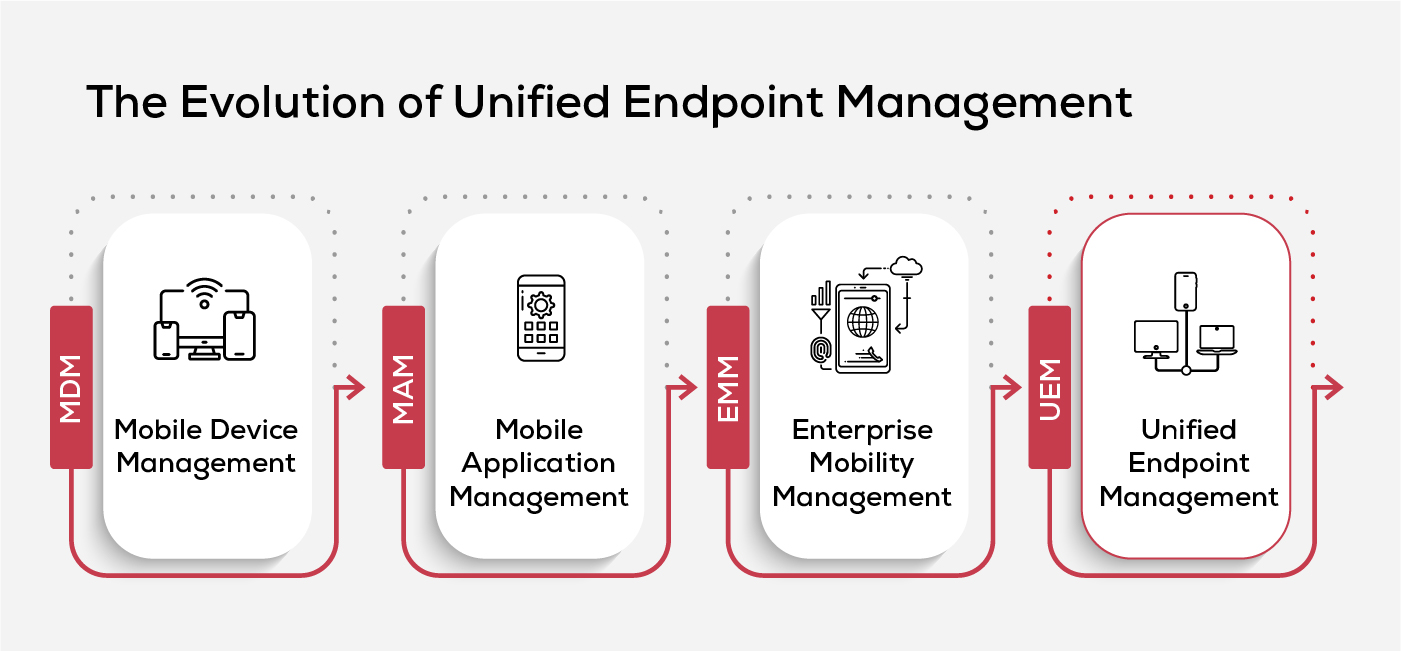
Endpoint management has evolved in response to changing workplace technologies and the growing scope of enterprise computing. What began as a way to manage mobile devices gradually expanded to include applications, business data, and eventually every endpoint used across the organization.
Mobile Device Management (MDM)
The earliest phase of endpoint management centered on mobile device management, enabling organizations to administer smartphones and tablets that were increasingly being used for business purposes. Its focus was limited to managing mobile endpoints and their configurations.
Mobile Application Management (MAM)
As employees began using personal devices for work, organizations required greater control over business applications without managing the entire device. Mobile Application Management (MAM) addressed this need by separating application management from device management, allowing corporate applications and data to be administered independently.
Enterprise Mobility Management (EMM)
The next stage was enterprise mobility management, which combined device and application management while extending oversight to business content and user access. This provided a broader approach to supporting enterprise mobility than earlier management models.
Unified Endpoint Management (UEM)
As endpoint ecosystems expanded beyond mobile devices to include desktops, laptops, rugged devices, wearables, and IoT devices, organizations required a management approach that could encompass this broader technology landscape. Unified Endpoint Management emerged to address these changing requirements by bringing diverse endpoint types under a single management framework.
How Does Unified Endpoint Management (UEM) Work
Once endpoints are enrolled into a UEM environment, their administration follows a structured workflow that begins with onboarding and continues through configuration, software management, monitoring, and ongoing maintenance.
1. Device Onboarding
The process begins with the device provisioning process, where endpoints are registered and prepared for organizational use. Depending on business requirements, devices may be enrolled during initial setup or added later using automated or user-assisted methods.
2. Configuration and Governance
After onboarding, administrators establish endpoint policy management settings based on organizational requirements. These configurations define how devices are governed, accessed, and managed across different user groups and endpoint categories.
3. Software Management
Business software can be distributed, updated, and removed from a unified management console. This includes mobile application management for smartphones and tablets, alongside software administration for desktops and other supported endpoints.
4. Monitoring and Visibility
Organizations use endpoint monitoring tools to maintain visibility into device health, operating system versions, software inventory, and configuration status across the managed environment.
5. Ongoing Administration
As devices continue to be used, administrators perform routine activities such as operating system updates, configuration changes, troubleshooting, and remote device management to maintain consistent administration across the endpoint environment.
Key Benefits of Unified Endpoint Management
Unified Endpoint Management provides a comprehensive approach to managing endpoints, offering benefits that extend across IT administration, security, and compliance.
- Simplified Endpoint Administration
Managing desktops, laptops, smartphones, tablets, and other enterprise endpoints through a unified platform reduces the need to switch between multiple management tools. This enables IT teams to maintain standardized administrative processes across different device types and operating systems.
- Strengthened Security and Compliance
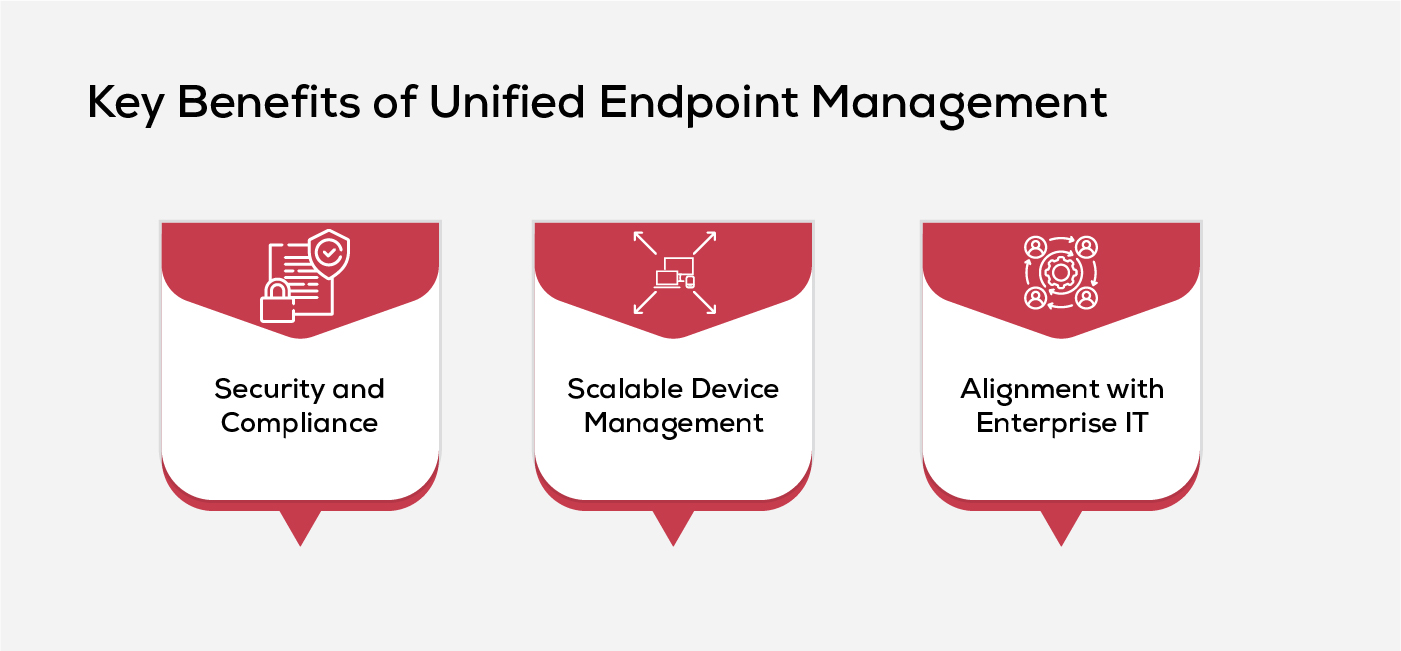
UEM supports endpoint security solutions by helping organizations apply consistent configurations, software updates, and administrative controls across managed devices. It also contributes to endpoint compliance management by enabling organizations to maintain alignment with internal policies and regulatory requirements.
- Improved Visibility across Enterprise Devices
A unified management approach provides administrators with a consolidated view of device inventory, software status, operating system versions, and endpoint health. This level of visibility supports informed decision-making and helps maintain accurate operational records.
- Scalable Device Management
As organizations expand their workforce or introduce new endpoint categories, UEM provides a structured framework for onboarding and administering devices without fundamentally changing existing management processes.
- Better Alignment with Enterprise IT
UEM complements broader IT operations management and it asset management by providing centralized oversight of enterprise endpoints throughout their operational lifecycle, supporting coordinated administration across the IT environment.
Best Practices for a Successful UEM Implementation
A well-planned implementation helps organizations maximize the value of Unified Endpoint Management while reducing operational challenges. The following best practices can support a structured and sustainable UEM deployment.
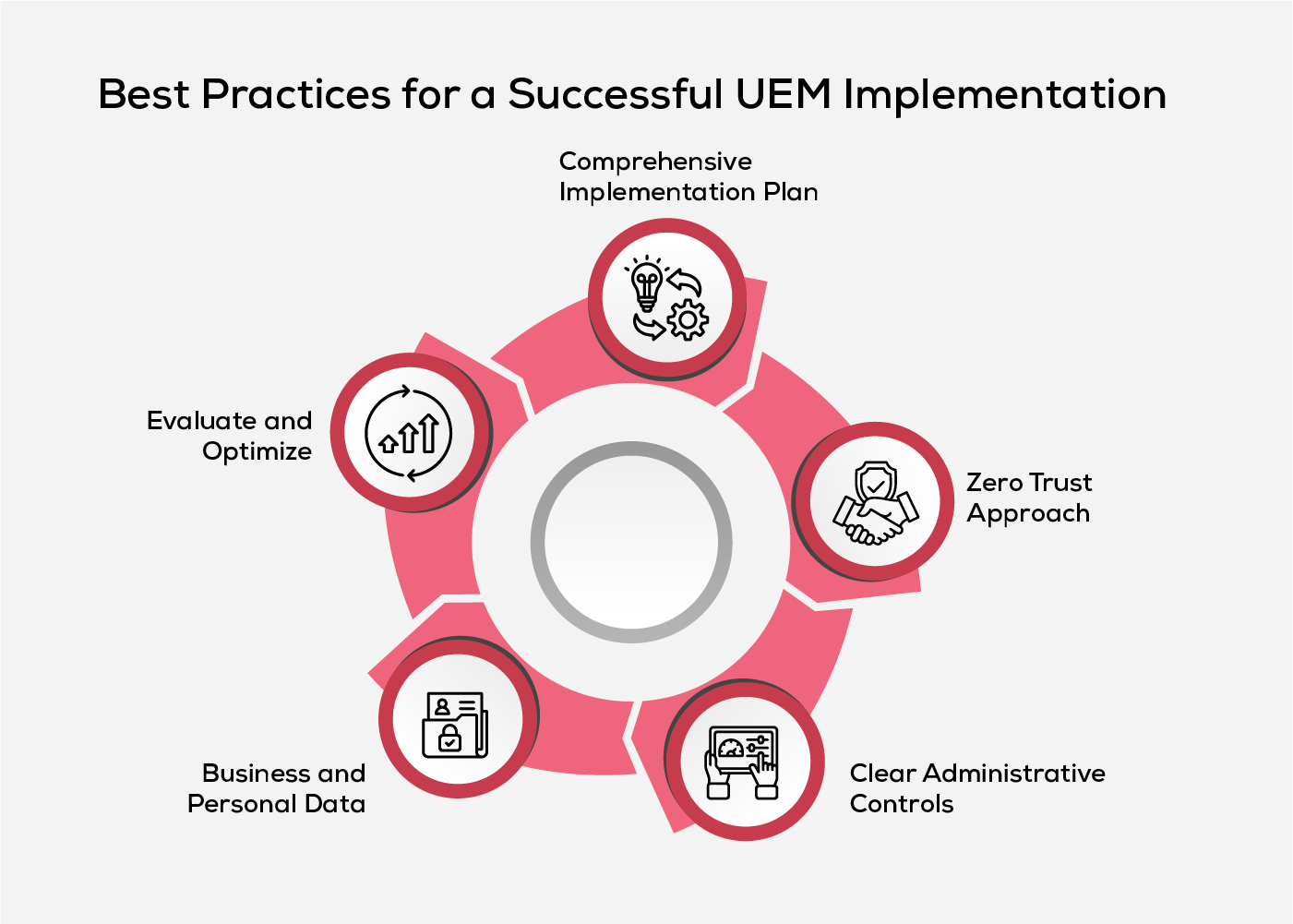
- Develop a Comprehensive Implementation Plan
Begin by defining an endpoint management strategy that aligns with business objectives, operational priorities, and future technology requirements. Establishing clear ownership, implementation milestones, and administrative processes from the outset provides a strong foundation for successful deployment.
- Adopt a Zero Trust Approach
Incorporate zero trust architecture principles by continuously validating users and devices before granting access to enterprise resources. Integrating identity and access management, network access control, and device encryption standards helps enforce consistent security across managed endpoints.
- Establish Clear Administrative Controls
Clearly define user roles, access privileges, and administrative responsibilities to ensure consistent oversight throughout the endpoint environment. A well-defined device control strategy helps standardize administrative practices while reducing the risk of unauthorized access or unintended configuration changes.
- Separate Business and Personal Data
Organizations should isolate corporate applications and information from personal content wherever applicable. This approach protects business data, respects user privacy, and simplifies administrative boundaries without extending management to personal files and applications.
- Continuously Evaluate and Optimize
Unified Endpoint Management requires periodic assessment to remain aligned with changing business and technology requirements. Regularly reviewing deployment outcomes, endpoint usage trends, configuration effectiveness, and user feedback helps identify improvement opportunities while strengthening the overall cloud security strategy.
How to Choose the Right Unified Endpoint Management Solution
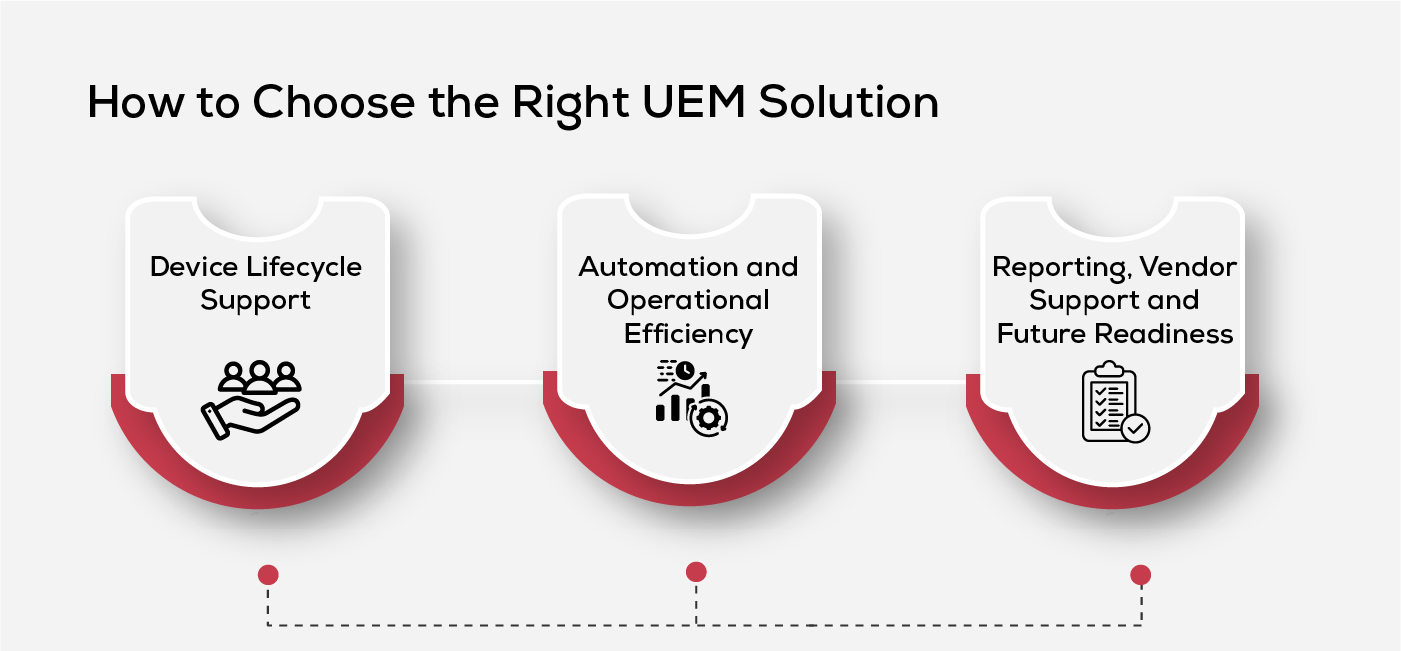
Selecting a Unified Endpoint Management solution involves more than comparing product features. The right platform should align with your organization's operational requirements, security objectives, and long-term technology roadmap while remaining flexible enough to support future business needs.
- Evaluate Integration Capabilities
Choose a solution that integrates seamlessly with your existing IT ecosystem, including directory services, security platforms, productivity applications, and cloud environments. Strong interoperability minimizes deployment complexity and helps preserve existing workflows.
- Assess Security Capabilities
Look for a solution that supports robust endpoint security management, complements existing enterprise security solutions, and incorporates zero trust security principles to strengthen endpoint protection without adding unnecessary administrative complexity.
- Consider Device Lifecycle Support
Evaluate how well the platform supports device lifecycle management, from initial provisioning and configuration through software updates, hardware replacement, and secure decommissioning. End-to-end lifecycle support simplifies administration and promotes consistent device governance.
- Prioritize Automation and Operational Efficiency
Routine administrative activities such as policy deployment, software distribution, patch management, and compliance reporting should be automated wherever possible.
Automation reduces manual effort, improves consistency, and enables IT teams to focus on higher-value initiatives.
- Review Reporting, Vendor Support, and Future Readiness
Assess the quality of reporting, audit capabilities, technical support, product documentation, and the vendor's commitment to continuous innovation. A solution backed by regular enhancements and responsive support is better positioned to meet evolving business and technology requirements.
Conclusion
Unified Endpoint Management plays a central role in helping organizations navigate an increasingly connected and dynamic technology landscape. As endpoint environments continue to evolve, a strategic and adaptable approach to their management enables businesses to remain prepared for changing operational demands, emerging technologies, and future growth while maintaining consistency, visibility, and control across the enterprise.
Frequently Asked Questions
1. What's the Difference Between UEM and MTD?
Unified Endpoint Management (UEM) manages, configures, and secures endpoint devices throughout their lifecycle, while Mobile Threat Defense (MTD) focuses on detecting, analyzing, and responding to security threats targeting mobile devices. Many organizations integrate MTD with UEM to strengthen mobile security.
2. What Is the Difference Between EDR and UEM?
UEM manages device configuration, policies, applications, and compliance, whereas Endpoint Detection and Response (EDR) continuously detects, investigates, and responds to threats on endpoint devices. The two solutions are complementary and are often deployed together.
3. Can Unified Endpoint Management Integrate with Existing IT Security Tools?
Yes. Most UEM solutions integrate with technologies such as identity and access management (IAM), endpoint detection and response (EDR), security information and event management (SIEM), directory services, and enterprise security platforms.
4. How Does Unified Endpoint Management Support Regulatory Compliance?
UEM helps organizations enforce security policies, maintain standardized device configurations, verify endpoint compliance, and generate audit-ready reports. These capabilities simplify adherence to regulatory and organizational requirements.